
A Practical Guide to Building a Productive Remote Workspace
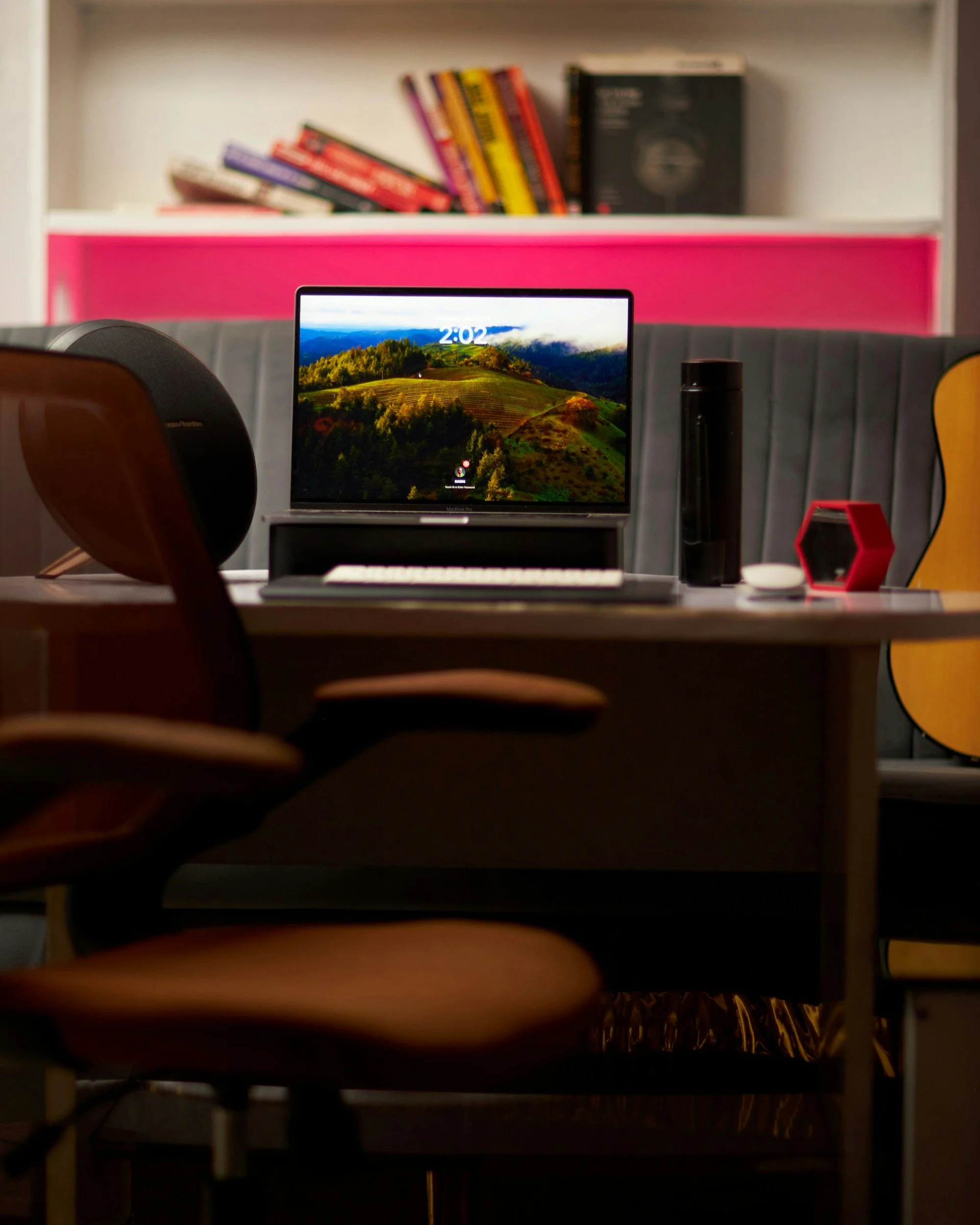
Start With the Work You Perform
A productive workspace should support the tasks completed most often. Video meetings require dependable sound and an appropriate background. Detailed computer work benefits from suitable screen placement and lighting. Paper based work needs a clear surface and accessible storage.
Choose a location that provides the best available balance of quiet, privacy, light, and separation from household traffic. A dedicated room is helpful but not required. A consistent corner with a defined setup can reduce the time spent preparing to work.
Arrange the Physical Setup
Use a stable chair and work surface that allow comfortable posture changes. Position the monitor so text is easy to read without leaning forward. Keep frequently used items within comfortable reach and move cables away from walking paths. Individual needs vary, and persistent discomfort should be assessed by an appropriate professional.
Reduce glare by placing screens thoughtfully in relation to windows and lights. Add a task light when needed. Headphones, a microphone, or a small soft furnishing may improve sound in rooms with hard surfaces.
Support Focus and Communication
Set visible work hours and communicate them to colleagues and household members. Use a short startup routine to review priorities and a shutdown routine to record unfinished work. Group similar administrative tasks when possible so frequent switching does not consume the day.
Agree with the team on which channel is used for urgent questions, project updates, files, and decisions. Clear communication rules reduce duplicated messages and make information easier to locate later.
Protect Reliability and Security
Use a strong wireless network, updated equipment, multifactor authentication, and approved storage tools. Keep a charger, essential cables, and a backup connection plan available for important meetings. Follow employer requirements for confidential information and device use.
Review the workspace after several weeks. Notice where clutter develops, which tools interrupt focus, and when discomfort appears. Adjust the environment based on real work patterns rather than a picture of what a home office should look like.
Manage Movement and Recovery
Remote work can reduce natural transitions that occur while commuting or moving between meeting rooms. Build brief changes of position into the day and place commonly used equipment so it does not require repeated awkward reaching. Alternate tasks when possible and step away from the screen during appropriate breaks. A short walk, meal away from the desk, or end of day reset can help separate work from home time. The most useful routine is one that fits job demands and can be repeated. Employees with pain, vision concerns, or specific access needs may benefit from an individualized assessment.
