
How to Protect Your Personal Information on Connected Devices
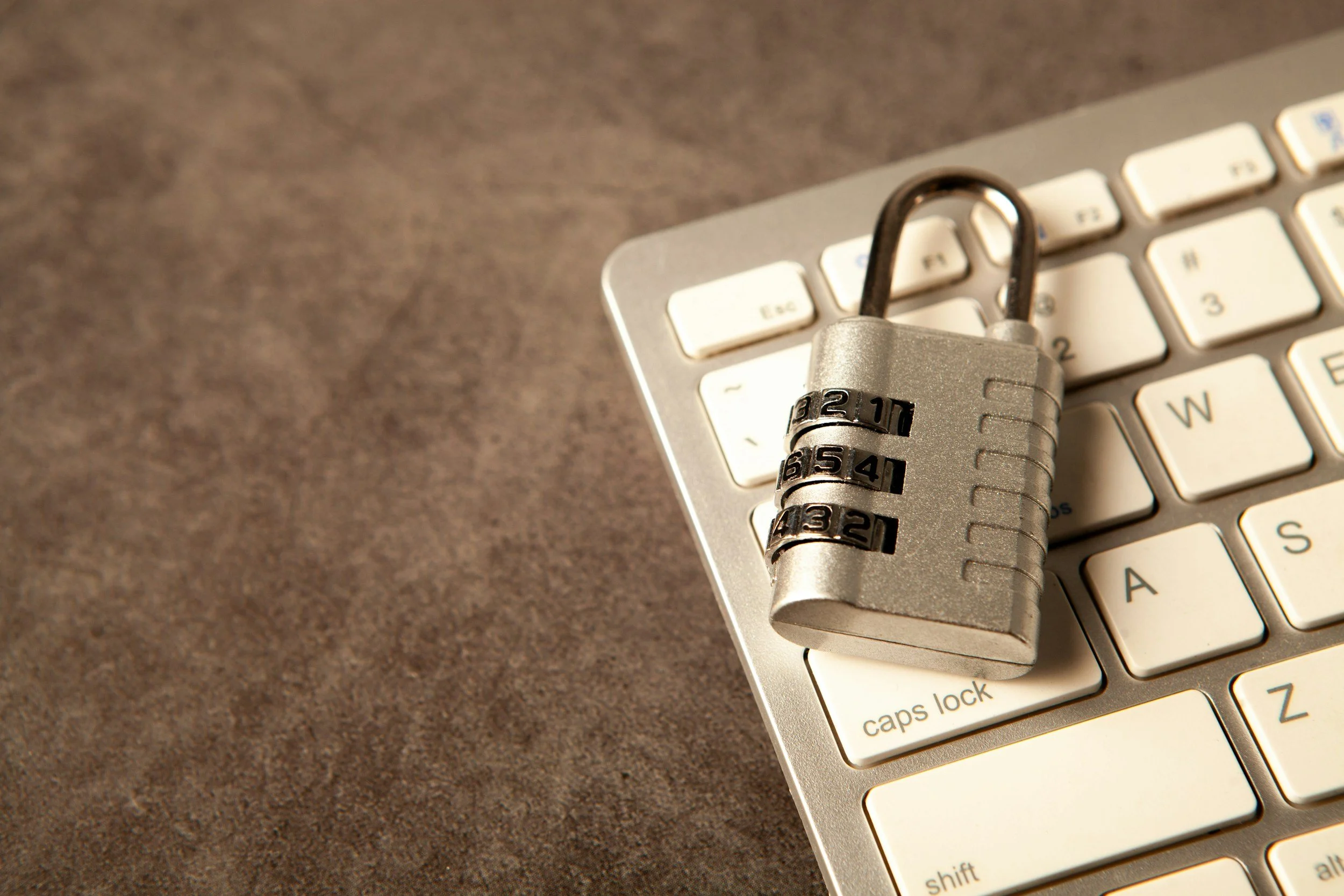
Secure the Accounts First
Many connected devices depend on an online account, which means the account can be as important as the hardware. Use a unique password for every important service and store passwords in a reputable password manager. Enable multifactor authentication when available, especially for email, financial accounts, cloud storage, and smart home administration.
Never approve an unexpected sign in request. If a notification appears without an action from you, deny it, change the password through the official website or application, and review active sessions.
Update Devices and Applications
Security updates correct known weaknesses. Enable automatic updates for operating systems, browsers, applications, routers, and connected products when practical. Replace equipment that no longer receives security support if it handles sensitive information or provides access to the home network.
Install applications only from trusted sources and review permissions. A flashlight, simple game, or shopping tool should not automatically receive access to contacts, precise location, photographs, or a microphone unless the feature genuinely needs it.
Improve the Home Network
Change default router and device passwords. Use current wireless encryption and create a guest network for visitors. If supported, place smart home devices on a separate connected device or guest network so they have less access to computers and storage containing sensitive data.
Disable remote access, microphones, cameras, location history, or cloud recording when those functions are unnecessary. Review privacy settings after major software updates because new features may introduce additional controls.
Prepare for Loss and Disposal
Use screen locks, device encryption, backup, and remote location or erase features where available. Avoid displaying sensitive notification content on a locked screen. When a device is lost, change important passwords and contact relevant service providers promptly.
Before resale, donation, or recycling, sign out, remove accounts, erase stored data using the manufacturer process, and remove cards or removable storage. Security is strongest when these steps become routine rather than a response to a problem.
Respond to a Suspected Account Breach
If an account may be compromised, use a trusted device to change the password and end unfamiliar sessions. Review recovery email addresses, phone numbers, forwarding rules, connected applications, and recent activity. Change any other account that reused the same password. Contact the provider through its official support channel and watch financial or communication accounts for unexpected changes. Preserve relevant messages or screenshots before deleting them. Fast action can limit further access, but recovery is easier when backup codes, current recovery information, and a password manager were prepared before the incident.
