
Smart Home Devices That Solve Common Everyday Problems
Choose a Problem Before a Product
Smart home technology is most useful when it removes a recurring inconvenience. Begin with a specific problem such as lights left on, packages arriving while nobody is home, uneven room temperatures, or concern about a leaking appliance. A clear use case prevents the system from becoming a collection of devices that require more attention than they save.
Before buying, confirm compatibility with the phone, voice assistant, wireless network, and other devices the household already uses. Also check whether core features require a subscription and whether the product still functions when internet service is unavailable.
Lighting and Comfort
Smart bulbs, switches, plugs, thermostats, and shades can automate daily routines. A switch may be better than a smart bulb when several people use the same fixture because the wall control continues to behave normally. Smart plugs can schedule lamps and small approved appliances, but they must be rated for the electrical load.
Thermostats can simplify scheduling and provide energy information. Compatibility depends on the heating and cooling system and available wiring. Professional installation may be appropriate when the existing controls are complex.
Security and Damage Prevention
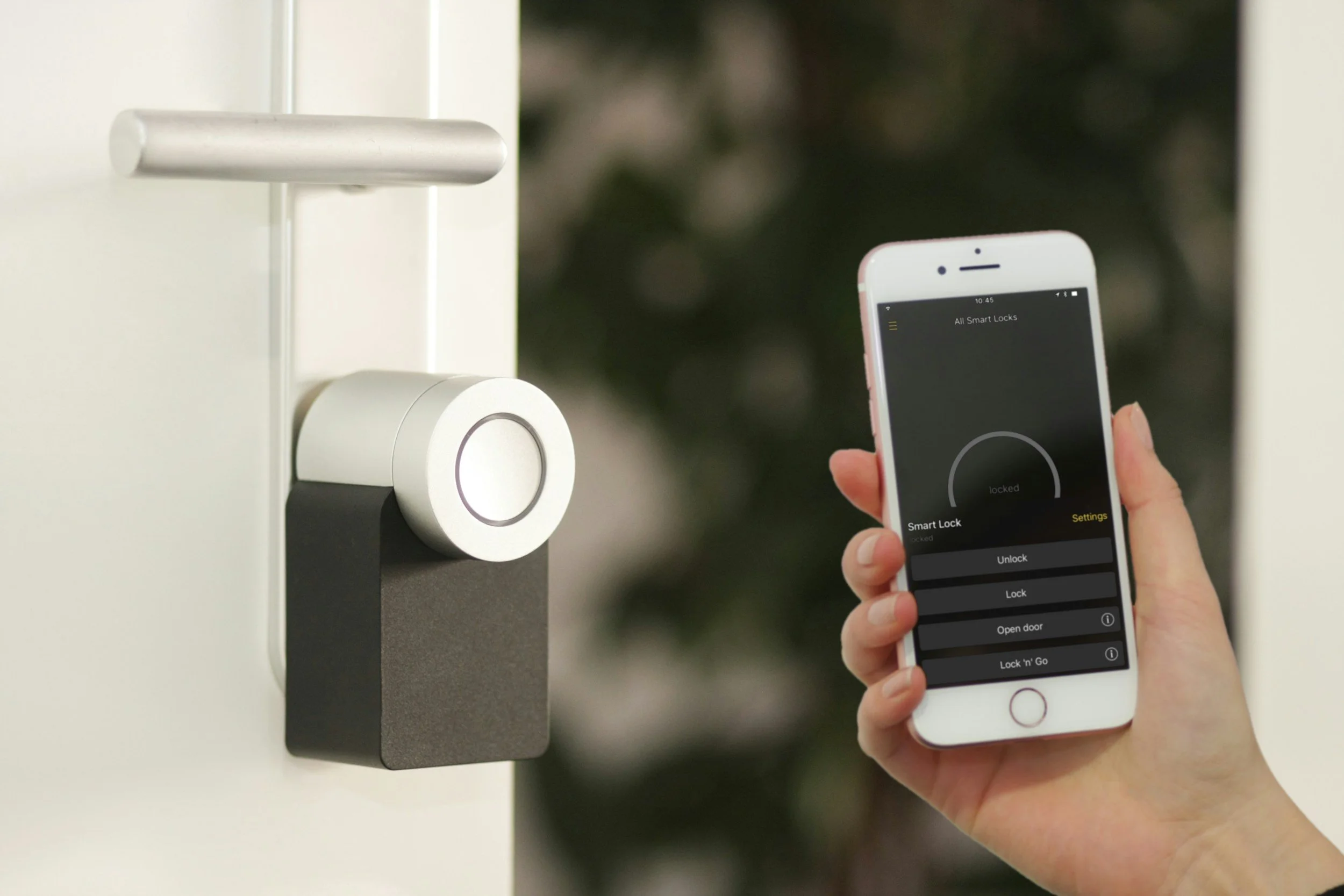
Video doorbells, exterior cameras, smart locks, and garage controllers can provide useful awareness. Review recording storage, notification settings, shared access, and subscription costs before purchase. Position cameras to respect neighbors and comply with local laws.
Leak sensors are among the simplest devices with practical value. Place them near water heaters, washing machines, sinks, sump pumps, or other vulnerable areas. A basic alert can provide time to shut off water before damage spreads. Connected smoke alarms and water shutoff systems may offer additional protection when professionally installed and maintained.
Keep the System Manageable
Use strong unique passwords, enable multifactor authentication when available, and install security updates. Put devices on a separate guest or connected device network if the router supports it. Remove devices from accounts and reset them before resale or disposal.
Start with one or two products and live with them before expanding. The best smart home setup remains understandable to every household member and includes a manual way to operate important functions.
Review Privacy Before Setup
Connected products may collect activity, voice, video, location, or household routine information. Read the main privacy controls before installation and collect only what is necessary for the feature being used. Decide who can view recordings, receive alerts, change settings, and invite other users. Review permissions when household members, tenants, or service providers change. It is also useful to know how data can be deleted and how the device will be removed from an account. A short privacy review during setup is easier than untangling years of stored information when a product is replaced.
