
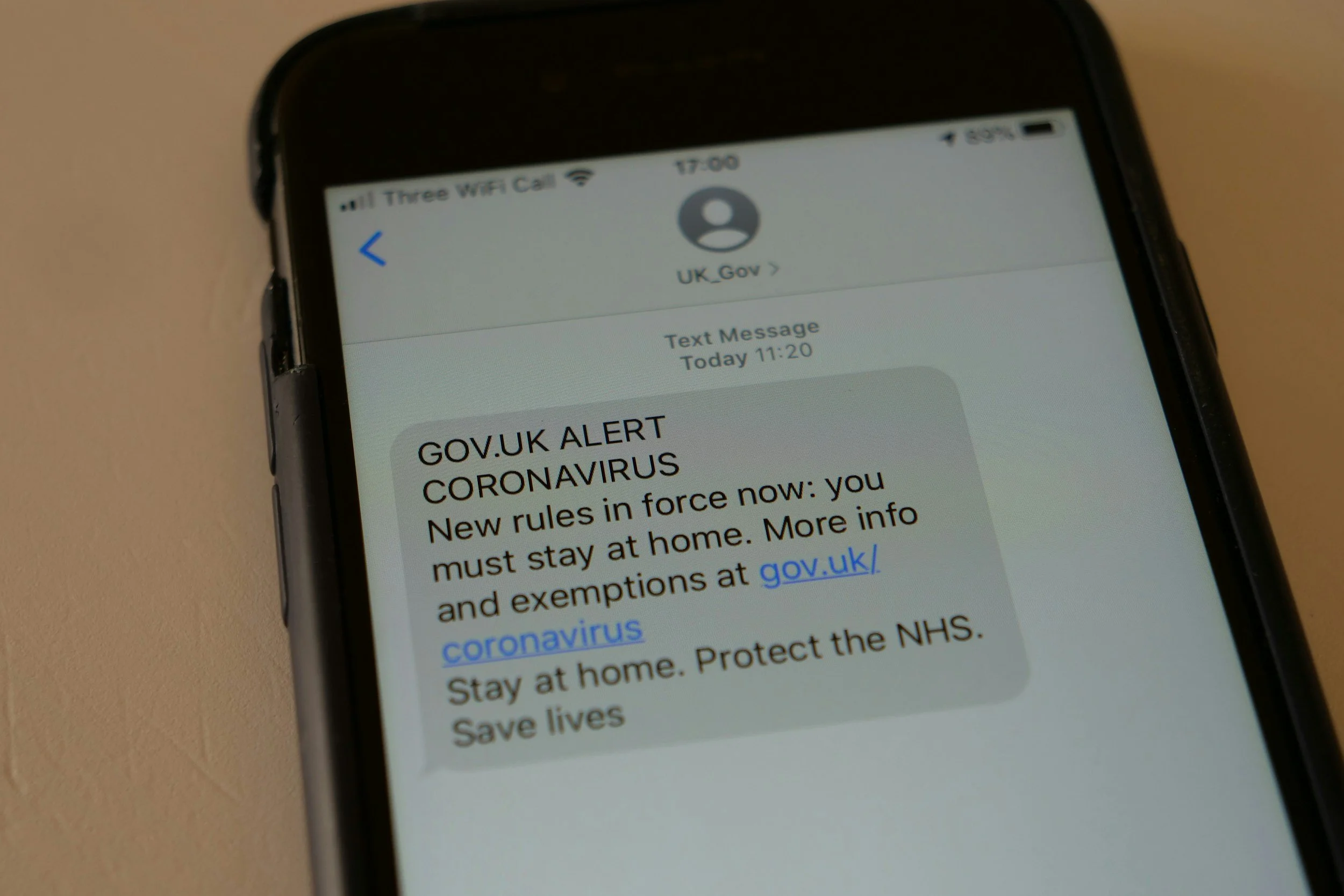
A text claiming that a package cannot be delivered may look routine, especially when you are expecting an order. Scammers take advantage of that familiarity by sending fake delivery notices that create urgency and direct recipients to convincing copies of carrier websites.
The goal may be to steal a password, payment card, address, Social Security number, or other personal information. A malicious link may also encourage the recipient to install an app, file, or device profile.
Do not use a message’s logo, writing quality, or sender name as proof that it is legitimate. Verify the delivery through an account or website you already trust.
Understand How the Scam Works
A typical fake package text claims that:
A delivery attempt failed
The address is incomplete
Postage remains unpaid
The package is being held
A small redelivery fee is required
The parcel will be returned or destroyed
Delivery preferences must be updated
Customs fees are due
Immediate confirmation is necessary
The message includes a link that leads to a website designed to resemble a postal service, delivery company, or retailer.
The site may first request a name and address. It may then ask for a small payment, such as a redelivery charge. The low amount makes the request seem harmless, but the purpose may be to collect payment details and other identifying information.
Treat an Unexpected Delivery Text Cautiously
A message deserves extra scrutiny when you did not request tracking alerts or do not know which order it concerns.
Ask:
Did I sign up for text updates?
Does the message identify a real order?
Does the retailer show a delivery problem?
Is the package actually being handled by this carrier?
Does the message demand information the company should already have?
Is it pressuring me to act immediately?
Scammers send large numbers of messages without knowing who is expecting a package. Normal online shopping makes it likely that some recipients will be waiting for a delivery when the text arrives.
Look for Pressure and Threats
Fake delivery messages often create a short deadline. They may claim that the package will be returned, destroyed, or charged a storage fee unless you respond within a few hours.
Urgency is designed to discourage verification. A legitimate delivery issue can be checked through the retailer or carrier without using the message’s link.
Pause before responding to any text that combines a minor problem with an immediate financial or personal-information request.
Be Suspicious of Small Payment Requests
A charge of less than a few dollars may seem believable, but it can be a way to collect a valid card number, security code, billing address, phone number, and name.
Do not enter payment information through an unexpected text link. Verify any legitimate fee through the retailer’s account page or the carrier’s official website entered manually into the browser.
A very small initial charge may also be followed by larger unauthorized transactions or recurring charges.
Examine the Link Without Opening It
A suspicious link may:
Misspell the company name
Add extra words or characters
Use an unrelated domain
Use a shortened address
Substitute letters with similar-looking characters
Include the carrier’s name somewhere other than the actual domain
Lead to a page using an unfamiliar country domain
A familiar word within a long address does not prove that the site belongs to the company.
Do not click merely to investigate. Mobile screens can hide parts of an address, and scammers can create polished websites with correct logos, colors, and language.
A secure connection symbol also does not prove that the business is legitimate. It only indicates that the connection to that particular website is encrypted.
Do Not Trust the Sender Name or Phone Number
A fake message may appear under the name of a delivery company or in the same conversation as previous texts. Sender information can sometimes be spoofed or manipulated.
The message may also come from:
An ordinary mobile number
An international number
An email address
A changing sequence of phone numbers
A short code that looks official
Do not decide that a message is safe based only on how the sender appears. Verify the delivery using a separate method.
Grammar Is Not a Reliable Test
Misspellings, unusual punctuation, and awkward wording remain warning signs, but well-written messages can also be fraudulent. Scammers can copy legitimate notices or use automated writing tools to produce convincing text.
Evaluate the request rather than the writing style. An unexpected demand to click, pay, sign in, or provide personal information remains risky even when the message looks professional.
Verify the Package Independently
If you are expecting a delivery, do not use the link, phone number, or customer-service details in the text.
Instead:
Open the retailer’s official app or type its known address into the browser.
Sign in and review the order status.
Locate the tracking number in the original order confirmation.
Open the carrier’s official app or manually enter its known website.
Enter the tracking number there.
Contact customer service using a number from the company’s official site when necessary.
Use the tracking information from the retailer or original purchase record rather than trusting a number supplied only in the suspicious message.
If the official account shows no problem, report and delete the text.
Be Careful With USPS Impersonation Texts
The United States Postal Inspection Service warns about unsolicited texts claiming that a USPS delivery requires a response.
USPS text tracking is generally initiated by the customer using a specific tracking number. According to the Postal Inspection Service, USPS tracking texts do not include links, and the service does not charge customers for standard tracking updates.
An unexpected text containing a link and claiming that USPS needs an address correction or redelivery payment should be treated as suspicious. Verify the package independently through the official USPS service.
Other carriers use their own notification methods, so do not apply one company’s exact text-message rules to every delivery provider.
Do Not Reply
Replying may confirm that the phone number is active. It may also begin a conversation in which the scammer asks for additional details or directs you to a different payment method.
Do not reply with “STOP” unless you know the sender is a legitimate company whose messages you previously requested. For an unexpected suspicious message, use the phone’s report-junk function, block the sender, and delete the text after preserving any evidence needed for a report.
What to Do if You Clicked the Link
Clicking does not always mean information was stolen, but take the situation seriously.
Close the page and do not download an app, open a file, install a device profile, or approve unexpected permissions.
Then:
Update the phone’s operating system and apps
Review recently installed apps
Remove unfamiliar configuration profiles or device-management access
Run a security scan when the device supports one
Review important accounts for unusual activity
Contact the financial institution if the site requested or received payment details
If the phone begins behaving unusually, contact the manufacturer, mobile carrier, or a qualified technical support provider. Avoid calling a support number displayed by the suspicious site.
What to Do if You Entered a Password
Go directly to the real service using its official app or a known website. Change the exposed password immediately.
Also:
Change the password anywhere else it was reused
Enable multifactor authentication
Review active sessions and sign out unfamiliar devices
Confirm recovery email addresses and phone numbers
Check for changed forwarding or security settings
Save new backup codes securely
Start with the connected email account when it may have been exposed. Access to email can allow a scammer to reset passwords for many other services.
What to Do if You Entered Card or Bank Information
Contact the card issuer or bank using the number on the physical card, statement, or official app. Explain that the information was entered on a suspected phishing site.
Ask whether the institution recommends:
Locking or replacing the card
Disputing a transaction
Changing the personal identification number
Monitoring pending charges
Adding extra account verification
Closing or replacing an affected bank account
Do not wait for a large unauthorized transaction. The information may be used later or tested with a small charge first.
What to Do if You Shared Personal Information
If you provided a Social Security number, date of birth, driver’s license information, or other sensitive identity details, create a recovery plan through the federal identity-theft reporting service.
Consider placing a free security freeze with Equifax, Experian, and TransUnion. A freeze can make it harder for someone to open new credit using your identity.
Review credit reports, financial accounts, mobile service, and tax records for activity you do not recognize. Keep copies of the text, website address, transaction records, and reports.
Report the Fake Delivery Text
Use the messaging app’s report-junk or report-spam option. You can also forward the message to 7726, which spells SPAM on a telephone keypad. This helps the wireless provider identify the sending number.
Package-delivery text scams can also be reported to the Federal Trade Commission. USPS-related messages may be reported to the United States Postal Inspection Service.
When reporting, preserve:
A screenshot of the message
The sender’s number or address
The date and time
The website address without reopening it
The company being impersonated
Details about information or money provided
After reporting, block the sender and delete the message.
Reduce Future Scam Texts
Phone and carrier settings may help filter messages from unknown senders. Keep the device and messaging app updated, and avoid publishing a mobile number unnecessarily.
When ordering online:
Use the retailer’s app or account to monitor deliveries
Save the original order confirmation
Know which carrier is handling the shipment
Turn on alerts through the official service
Avoid entering delivery details through unsolicited links
No filter will stop every scam. The most dependable habit is to leave the message and verify the delivery through a separate, trusted channel.
This article provides general educational information and is not individualized cybersecurity, legal, or financial advice.
