
Smart Thermostat Settings for Fall and Winter: Comfort, Savings, and What Actually Matters
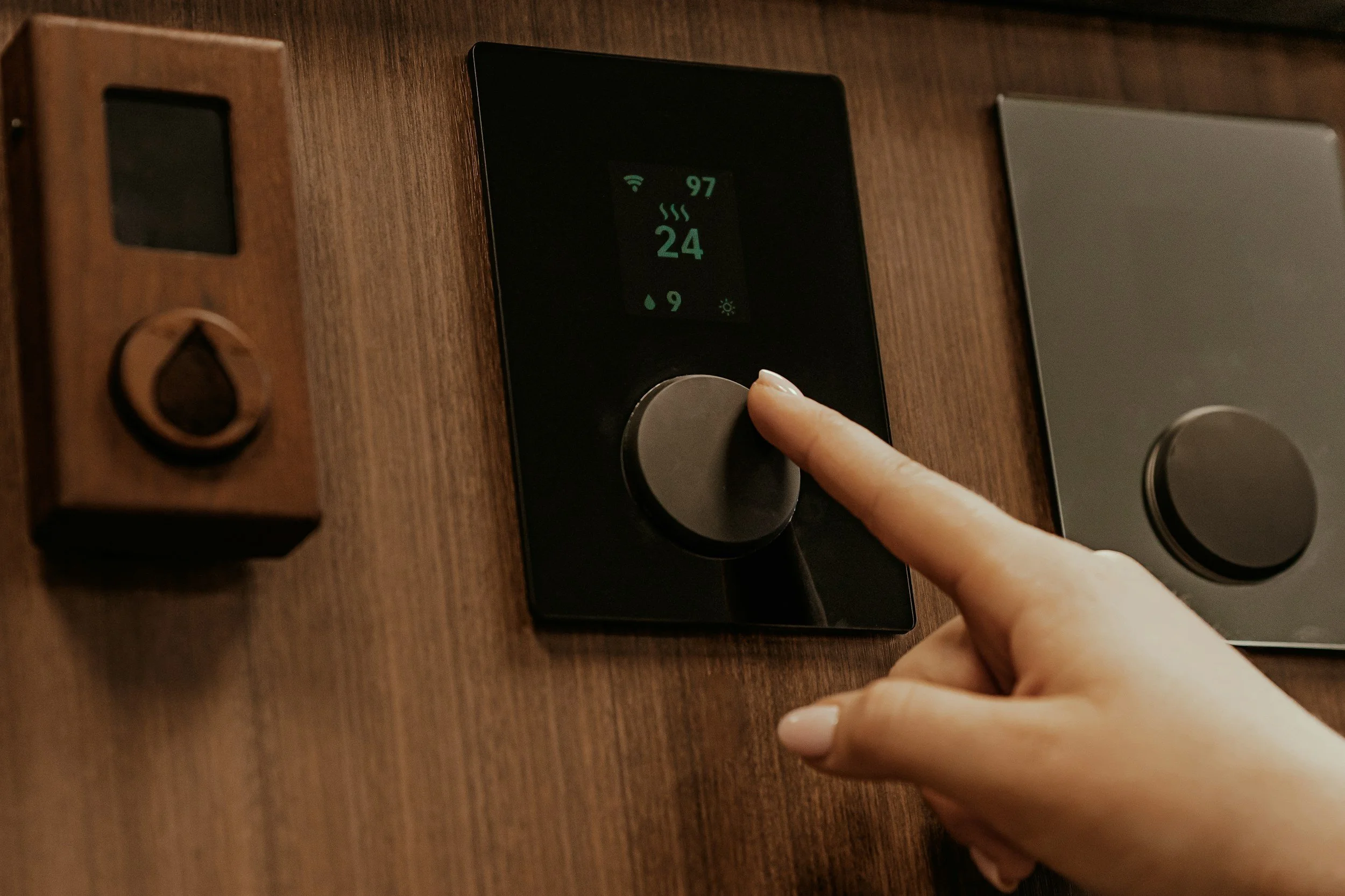
A smart thermostat can reduce unnecessary heating, but there is no single winter setting that works for every home. Comfort depends on humidity, insulation, drafts, heating equipment, health needs, clothing, and how the household uses each room.
For many homes with a furnace or boiler, 68°F while people are awake is a practical starting point. Lower settings during sleep or extended periods away can save additional energy. Homes with heat pumps may need a steadier strategy to avoid inefficient auxiliary heat.
The most useful setting is one that reduces heating when it is not needed without creating comfort, moisture, or equipment problems.
Start With a Comfortable Occupied Setting
Set the thermostat to the lowest temperature that keeps the household reasonably comfortable.
The U.S. Department of Energy has commonly recommended 68°F as a winter starting point while occupants are awake. This is guidance, not a required temperature.
Some households are comfortable at 66°F, while others need 70°F or more. Relevant factors include:
Infants or older adults in the home
Medical needs
Drafts and cold surfaces
Indoor humidity
Activity level
Clothing
Differences between floors
Thermostat location
Sun exposure
Begin with a stable setting and adjust by one degree at a time. Small changes are easier to evaluate than repeatedly raising and lowering the temperature.
Use Setbacks When the Home Is Empty
For conventional furnaces and many boiler systems, lowering the setting for several hours can reduce heat loss and energy use.
The Department of Energy states that households may save as much as 10% a year on heating and cooling by adjusting the thermostat 7°F to 10°F from its normal setting for eight hours a day. Actual savings depend on climate, fuel prices, equipment, insulation, and the starting temperature.
A practical weekday schedule might include:
Comfortable temperature shortly before waking
Lower setting after everyone leaves
Recovery before the first person returns
Lower setting again during sleep
Avoid heating an empty home to the same temperature used during active hours unless pets, plants, plumbing, or health needs require it.
Choose a Smaller Overnight Setback if Needed
A lower bedroom temperature is comfortable for many people, but the ideal change depends on the home and heating system.
Try reducing the setting by a few degrees before making a larger adjustment. A deep setback can create problems when:
The house loses heat quickly
Morning recovery takes too long
Radiant floors or radiators respond slowly
Auxiliary heat activates
Rooms cool unevenly
Pipes are located in vulnerable spaces
Occupants have medical temperature needs
The lowest possible setting is not automatically the most efficient or practical one. A schedule should work consistently without requiring frequent manual overrides.
Heat Pumps Need a Different Strategy
Heat pumps are most efficient when they maintain temperature gradually. A large setback followed by a rapid increase can activate electric resistance auxiliary heat in some systems.
That backup heat can use substantially more electricity than normal heat-pump operation.
For an air-source heat pump:
Start with a relatively steady temperature
Use modest setbacks unless the thermostat is designed to manage heat-pump recovery
Enable adaptive or intelligent recovery when appropriate
Avoid increasing the setting several degrees at once
Do not select emergency heat for routine operation
Review when auxiliary heat appears in the thermostat’s history
Emergency heat is generally intended for a malfunction or specific service situation, not as a faster way to warm the home.
Modern cold-climate and variable-capacity heat pumps may handle schedules differently from older systems. Follow the equipment manufacturer’s instructions and use a compatible thermostat.
Furnaces Usually Handle Setbacks More Easily
Gas, oil, and electric furnaces commonly recover from a scheduled setback faster than heat pumps or high-mass radiant systems.
A homeowner might use:
68°F while awake and home
A reduction during work hours
A modest reduction overnight
Earlier recovery on particularly cold mornings
The furnace does not need to remain at one temperature all day to save energy. A cooler house generally loses heat more slowly than a warmer one.
However, if the furnace runs continuously and cannot recover, the problem may involve equipment capacity, maintenance, airflow, insulation, or unusually severe weather rather than the schedule alone.
Boilers and Radiant Heat Respond Slowly
Hot-water radiators, baseboard systems, and radiant floors can take longer to change room temperature.
A large nighttime setback may leave the house cold well into the morning. It can also cause the system to run for a long recovery period.
Use smaller changes and start recovery earlier. Smart thermostats with adaptive recovery can learn how long the home takes to reach the desired temperature, but compatibility varies.
Some boilers use proprietary or communicating controls. Replacing them with a generic smart thermostat can remove useful equipment functions. Confirm compatibility with the manufacturer or an HVAC professional.
Set Up the Fall Schedule Before Cold Weather
Fall is a useful time to create the schedule because heating demand is still moderate.
A basic setup process includes:
Confirm the thermostat shows the correct heating equipment.
Set the home, away, sleep, and wake temperatures.
Check whether adaptive recovery is enabled.
Review geofencing and occupancy settings.
Confirm that household members can control the system.
Test remote access.
Install available thermostat updates.
Review alerts and energy reports.
Watch system behavior during the first cold week.
Adjust the schedule based on actual comfort and runtime.
Do not copy a schedule from another house without considering differences in equipment and building construction.
Use Geofencing Carefully
Geofencing can switch the thermostat to an away setting when household phones leave the property. It may work well when everyone carries a compatible phone and has location services enabled.
Problems can occur when:
A person remains home without a registered phone
Location permissions are disabled
The phone battery dies
Household members have different schedules
Children or guests stay behind
The home takes a long time to recover
Use a conservative away setting until the feature proves dependable. Make sure every regular occupant understands how it works and can override it when necessary.
Room Sensors Can Improve Comfort
The temperature near the thermostat may not represent the rest of the home. A hallway thermostat warmed by sunlight can stop the heat while a bedroom remains cold.
Compatible room sensors can help prioritize occupied spaces or average temperatures across selected rooms.
Before buying sensors, investigate why rooms differ. Possible causes include:
Closed or blocked registers
Duct leakage
Poor insulation
Air leaks
Inadequate return airflow
Incorrectly balanced radiators
Long distances from the heating equipment
A sensor can change what the thermostat measures, but it cannot repair an underlying distribution problem.
Do Not Constantly Change the Setting
A smart thermostat works best with a realistic schedule and limited overrides. Constant adjustment can interfere with learning features and make energy reports difficult to interpret.
Raising the thermostat far above the desired temperature does not usually make the home heat faster. It generally causes the system to run until it reaches the higher setting.
Choose the temperature wanted, allow the system time to respond, and investigate when recovery is unusually slow.
Use Vacation Mode Without Risking the Home
Vacation settings can reduce heating while the property is empty, but do not turn the system off in freezing weather.
The American Red Cross advises leaving the heat on and setting it no lower than 55°F when traveling during cold conditions. A particular home may require a higher setting because of exposed plumbing, severe weather, poor insulation, pets, plants, or insurance requirements.
Before leaving:
Check the forecast
Protect vulnerable pipes
Confirm remote access
Set low-temperature alerts
Replace weak thermostat batteries
Arrange for someone to check the home
Review power-outage notifications
Verify that smart devices reconnect after an outage
Remote monitoring is useful, but it does not replace a plan for responding to a heating failure.
Pay Attention to Humidity and Condensation
A room can feel colder when the air is very dry, but adding too much moisture during winter can create condensation on windows or inside walls.
If using a humidifier, follow the equipment instructions and adjust it as outdoor temperatures fall. Condensation on glass, walls, or ceilings can indicate excessive indoor humidity, poor ventilation, cold surfaces, or air leakage.
A smart thermostat with a humidity reading provides information, but the reading may not represent every room. Separate sensors can help identify differences.
What Matters More Than a One-Degree Change
Thermostat settings affect energy use, but the condition of the home and heating system can matter more.
Check:
Furnace or air-handler filters
Annual equipment maintenance
Blocked registers or radiators
Duct leakage
Attic insulation
Weatherstripping
Air leaks around penetrations
Fireplace dampers
Thermostat placement
Exterior doors and windows
ENERGY STAR notes that sealing and insulating ducts can improve heating and cooling efficiency substantially in some homes.
If the system runs constantly, produces unusual noises, cycles rapidly, or cannot maintain a reasonable temperature, schedule professional service rather than repeatedly changing thermostat settings.
Do Smart Thermostats Actually Save Money?
A smart thermostat does not create savings simply by connecting to Wi-Fi. Savings come from reducing unnecessary heating and managing the system effectively.
ENERGY STAR-certified smart thermostats must demonstrate energy savings using field data. ENERGY STAR estimates average savings of approximately 8% of heating and cooling bills, although results vary.
Savings are more likely when:
The home is empty for regular periods
The previous thermostat was rarely adjusted
The household uses schedules consistently
The thermostat is compatible with the equipment
Remote access prevents unnecessary operation
Energy reports lead to useful changes
A home occupied all day may have fewer opportunities for setbacks. An efficient variable-capacity system may also work best with its manufacturer’s controller.
A Practical Fall and Winter Setup
For a furnace or conventional boiler, begin with:
A comfortable occupied setting near 68°F
A modest sleep setting
A lower setting during absences lasting several hours
Recovery scheduled shortly before waking or returning
For a heat pump, begin with:
A steady comfortable temperature
Small setbacks, if any
Heat-pump-aware adaptive recovery
Monitoring for unnecessary auxiliary heat
Use these as testing points rather than rigid rules. Adjust for the occupants, home, climate, and equipment.
The Bottom Line
Smart thermostat savings come mainly from avoiding unnecessary heating, not from finding one perfect number.
A setting near 68°F is a reasonable occupied starting point for many households. Conventional heating systems may benefit from scheduled setbacks during sleep and extended absences. Heat pumps often perform better with steadier settings and gradual recovery.
Compatibility, insulation, air sealing, maintenance, and realistic schedules matter more than repeatedly changing the temperature by one degree.
